Friday, September 26, 2008

Add-ons and Greasemonkey-like user scripts

I really miss one thing in Chrome - add-ons or plugins. I have few of them (let's name just Adblock Plus, Adblock Plus Element Hiding Helper, Flashblock and Mouse gestures) in my Firefox and it makes this browser a way better product.

You may imagine my joy when I heard that Google will adopt add-ons in Chrome:
Google's new Web browser eventually will support add-ons and user scripts à la Firefox Add-ons and Greasemonkey, Google engineer Ojan Vafai said during a panel discussion on the future of Web browsers at Web 2.0 Expo in New York on Friday.

Saturday, September 6, 2008

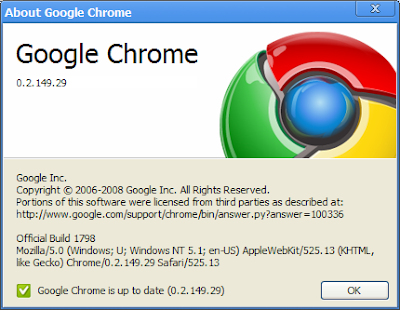
First Update

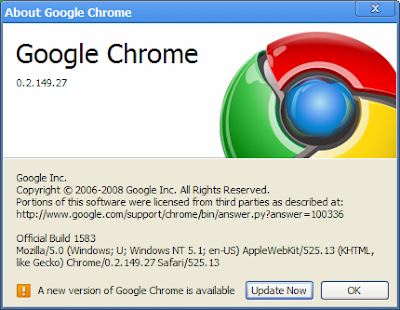
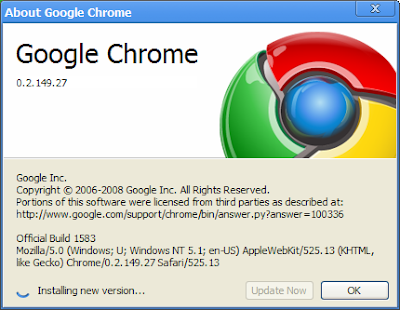
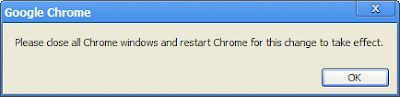
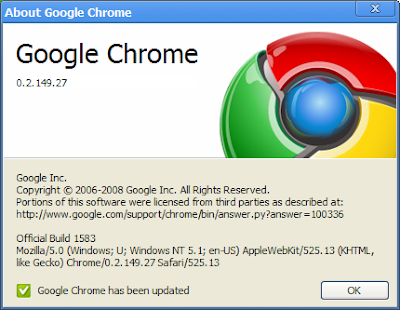
Updating software is important. Here is a short story of updating Chrome.


...and after Chrome restart:

Broken flash repair

This time I stumble upon a flash video on YouTube. I just want to see another part of my favorite Top Gear program and it was not playing at all. Just load video in back (I can see running gauge) but no video playing.

Flash plugin was dead!

Now I have two choices - restarting the browser or restarting the flash plugin. In all other browsers I had to restart the whole thing. Users of Chrome are lucky - they should start Chrome task Manager (Shift+ESC) and just kill the misbehaving flash plugin.

Flash frame within YouTube turns black with sad face (yes, it works for tabs or plugins) and at the top of the tab there was the message that "The following plug-in has crashed: Shockwave Flash". Intentionally, at least for this time.

After reloading the tab it loads the new instance of Flash plugin and video starts.

Nice work, guys!

Saved passwords

It's nice to have buddy who remember your passwords. It's natural that web browser offer you to remember your web passwords. But what if you need to know what are those eleven bullets that password manager automatically entered below your login?

Firefox can show you the passwords in a password manager. The only problem is that it shows all your passwords at once. Not a big problem when you are sitting at home, but what about showing all passwords in a office or in an airport? Tens of people can see your passwords! Not a big deal!

Chrome is more secure even in this one little feature. It stores passwords (when you allow it, of course). It also offer you to show your passwords. But it's showing only the password for account you currently select.

Only problem is that you can not copy that password, but I hope someone will take care on this.

Friday, September 5, 2008

Thursday, September 4, 2008

Sad tab

It seems that this screen displaying "Aw, Snap!" text is named Sad tab and is something like BSOD of individual tab. Anything went wrong so tab was killed and the rest of the browser remains.

Aw, Snap!

Every time something can go wrong. But reporting problem with a piece of humor is quite nice.


This remind me Haiku error messages
Cables have been cut
Southwest of Northeast somewhere
We are not amused.
from BeOS Operating System and it's applications.